Jagged Ice Notepad Templates: A Versatile KDP Interior Solution
If you are self-publishing on Amazon KDP or creating printable planners for a side business, you know the struggle of building interiors from scratch. Formatting, bleed margins, file compatibility, and design consistency take time away from actual content creation. That is where a well-structured template pack like Jagged Ice Notepad Templates comes in. This set of ready-to-upload interior pages is designed to simplify your workflow while giving you professional results. Whether you are a seasoned publisher or a first-time creator, these templates offer a practical foundation for a wide range of notepad, journal, or planner projects.
What Makes Jagged Ice Notepad Templates Stand Out
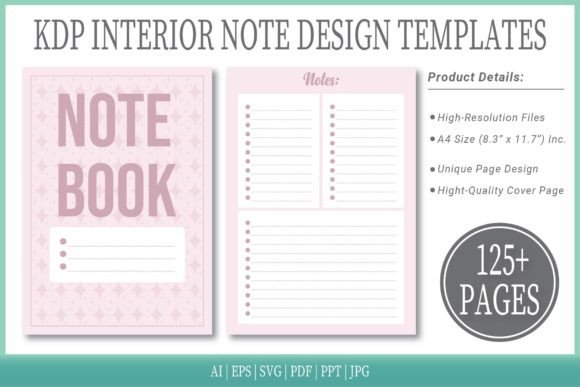
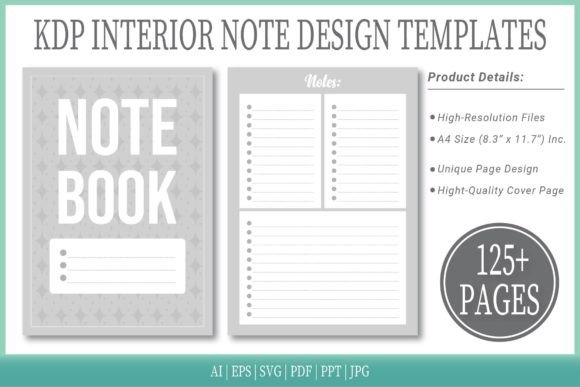
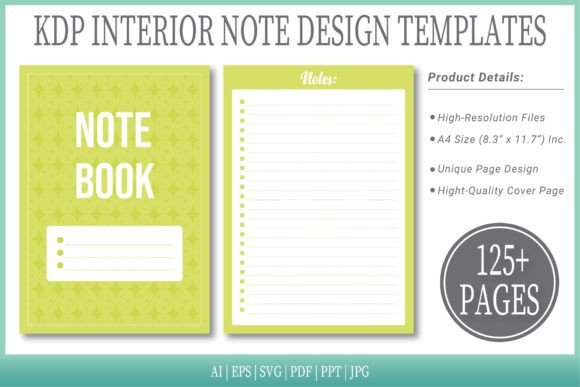
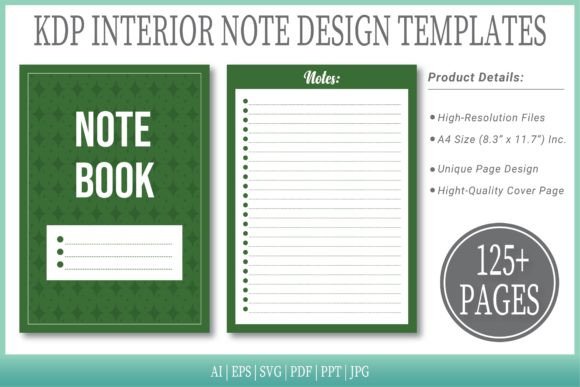
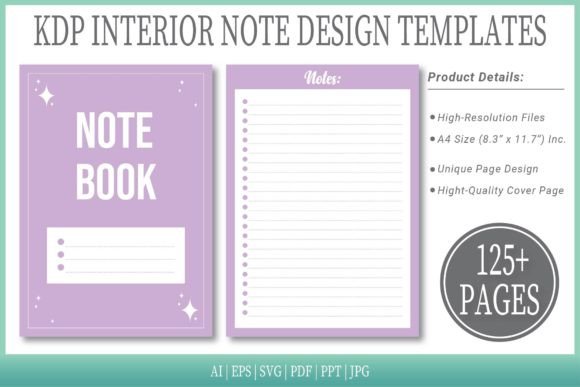
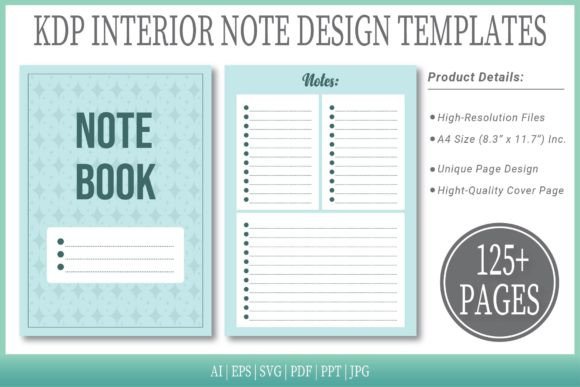
At its core, the bundle provides everything you need to produce a complete notepad interior for print or digital distribution. You get 125 pages of high-resolution layouts in a crisp A4 size (8.3″ x 11.7″ Inches) with no bleed, which means you can upload directly to KDP without worrying about trimming or margin errors. More importantly, the pack includes six distinct file formats: AI, EPS, SVG, PDF, PPT, and JPG. This breadth of format support means you can edit the designs in Adobe Illustrator, PowerPoint, or even a vector-based app on your tablet, then export the final PDF ready for KDP.
The templates also come with an editable source file in both AI and EPS, so you are not locked into a single software environment. If you prefer working in PowerPoint, the PPT version retains all the editable elements. For quick previews or low-resolution mockups, the JPG files are handy. Each of the 125 pages is intentionally designed to be versatile: you get lined pages, dot grids, plain pages, to-do lists, and more. This variety lets you mix and match for a custom notepad that serves different use cases within one purchase.
Key Strengths and Notable Qualities
One of the strongest aspects of Jagged Ice Notepad Templates is the attention to print-ready details. The no‑bleed specification eliminates a common headache for self-publishers: the need to set up bleed guides and trim marks manually. Each page is already sized correctly, and the interior resolution is high enough for crisp reproduction on standard printers or print-on-demand services like KDP. The 125-page count is also a sweet spot for many notebook and notepad products – long enough to offer substantial content, yet short enough to keep printing costs manageable.
Another notable quality is the inclusion of a cover page. While the main focus is on interiors, having a coordinated cover file saves you from designing one separately. It is a simple but thoughtful addition that helps maintain a cohesive brand look across your product listing. For publishers who want to launch quickly, this extra piece can cut hours off the preparation process.
Practical Applications Across Different Environments
The versatility of these templates makes them useful in personal, professional, educational, and commercial contexts. Here are a few real-world scenarios where Jagged Ice Notepad Templates shine:
- For freelancers and creators – You can customize the dot-grid pages for bullet journaling or the lined pages for project notes. The editable files let you add your own header, logo, or branding elements before uploading to KDP. Imagine a freelance graphic designer selling branded notepads as passive income; these templates reduce the design work to a few hours of customization instead of days of layout building.
- For educators and trainers – The mix of plain and ruled pages works well for custom worksheets, lesson planners, or student journals. You can adapt the PPT version to include prompts or instructions on specific pages. A teacher might create a semester-long reflection journal with structured prompts on some pages and free writing space on others.
- For business owners and entrepreneurs – Use the templates to produce company-branded notepads for client gifts, team meetings, or trade shows. The ability to edit in AI or EPS means you can insert a company logo, adjust colors, and even add a unique footer to every page. A small business could print these in batches locally or sell them on Etsy as custom stationery.
- For digital publishers and bloggers – Even though the main use is print, the PDF format can be used for digital downloads. You could create a digital planner or notepad for GoodNotes or Notability, then sell it as a low-priced digital product. The high-resolution JPG files also make it easy to preview pages on your blog or social media.
In each case, the core value is the same: you get a well-structured interior that you can shape to your audience’s needs without wrestling with layout tools for hours.
Boosting Productivity and User Experience
From a usability standpoint, Jagged Ice Notepad Templates help you maintain focus on content and marketing instead of formatting. When you purchase the pack, you are essentially buying back time. The no-bleed PDF interior is already KDP-compliant, so you can go from purchase to upload in very little time. For those who want to iterate quickly – maybe testing different cover designs or interior variations – the editable formats allow rapid changes.
For the end user—the person who buys your final notepad on Amazon—the benefit is consistency and clarity. A well-spaced, high-resolution page reduces eye strain and makes writing more pleasant. The variety of page types (lined, grid, to-do, blank) also improves the user’s experience because they can use the notepad for multiple tasks without feeling constrained by a single layout. If you are creating a product aimed at professionals who take meeting notes and then sketch ideas, having both a ruled section and a dot-grid section in one notebook is a strong selling point.
Realistic Use Cases and Recommendations
Let’s walk through a typical workflow. Suppose you are a freelance writer who wants to publish a “Daily Ideas Notepad” on KDP. With the Jagged Ice templates, you open the AI file in Illustrator, adjust the margins slightly if needed, and add a subtle header line on each page. You change the page order to alternate line and blank pages. Within two hours you have a unique interior. You export as PDF, use the included cover page, and upload. The no-bleed spec means you skip the usual anxiety about cutting marks.
Another scenario: a marketing consultant decides to create a “Strategy Notes” notebook for clients. Using the PPT version, she inserts a two-line header with the company name and a small logo. She removes the to-do list pages and keeps only the dot-grid and ruled pages. The result is a professional-looking branded notepad that she can order in small runs from KDP or a local printer. The editable formats make this kind of customization trivial.
If you are evaluating whether these templates are right for you, consider the following practical points:
- Format choice – If you are a vector expert, the AI or EPS files give you maximum control. If you are less technical, the PPT file is more accessible and still fully editable. The JPG version is useful only for previewing, not for final print.
- Bleed consideration – No bleed means you cannot have elements that extend to the edge of the paper. The template uses standard margins, which is fine for most notepad interiors. If you want full-page background colors or graphics that bleed off the edge, you would need to add bleed manually.
- Page count – 125 pages is a good start, but if you want a thicker notebook, you may need to duplicate some pages or combine with other interiors. The editable files allow you to add more pages by duplicating page templates.
- KDP requirements – Always double-check Amazon’s current file specifications. The PDF interior is already sized for A4 with no bleed, which matches KDP’s trim size for A4 (8.27″ x 11.69″). The slight difference (8.3″ x 11.7″) is within acceptable tolerance, but it’s wise to confirm.
Observations for Long-Term Use
The strength of Jagged Ice Notepad Templates lies in its flexibility and readiness. Unlike many template packs that force you into a rigid design language, this set gives you a neutral canvas with enough variety to serve multiple niches. Over time, as you create multiple notepad products, you will find yourself reusing the same core interior with different covers and slight modifications. That is the mark of a template system that respects your time.
One subtle benefit is the inclusion of both vector and raster formats. If you ever want to convert this interior for digital planners in apps like GoodNotes, the JPG or PDF pages can be imported directly. The PPT version is also useful for quick edits on the go—a feature that busy creators appreciate when they need to make last-minute changes on a laptop before uploading.
Practical Considerations Before You Buy
Before diving in, assess your own skill level with the software you plan to use. If you are comfortable with Illustrator or Affinity Designer, the AI and EPS files are ideal. If your primary tool is PowerPoint, the PPT version works well, but be aware that complex vector graphics in the original source might not translate perfectly. In practice, the templates are simple enough that PPT handles them without issue. Also consider your target audience: A4 is common internationally, but if you target the US market, KDP’s US letter size (6″ x 9″ or 8.5″ x 11″) might be more suitable. While you can resize the source files, doing so for all 125 pages takes extra effort. The template is optimized for A4, so stay with that size unless you are comfortable with batch adjustments.
Finally, note that the product description mentions “Extra Cover Page Include”. This cover is a nice bonus, but you may still want to design your own cover to stand out in KDP search results. Use the provided cover as a starting point or as a placeholder during testing.
Final Thoughts
Jagged Ice Notepad Templates offer a smart balance between convenience and customizability. They eliminate the most tedious parts of interior creation—margin setting, bleed calculations, and page consistency—while leaving you in full creative control. For anyone looking to publish notepads, journals, or planners on KDP without weeks of design work, this pack is a practical investment. The six file formats, no-bleed PDF, and editable source files mean you can go from purchase to product in the same day. And because the templates are built for real-world use, your end customers will appreciate the clean, functional pages that make writing and note-taking enjoyable. Whether you are building a new income stream or simply organizing your own ideas, these templates give you a solid foundation to work from.